
Blog
Table of Contents
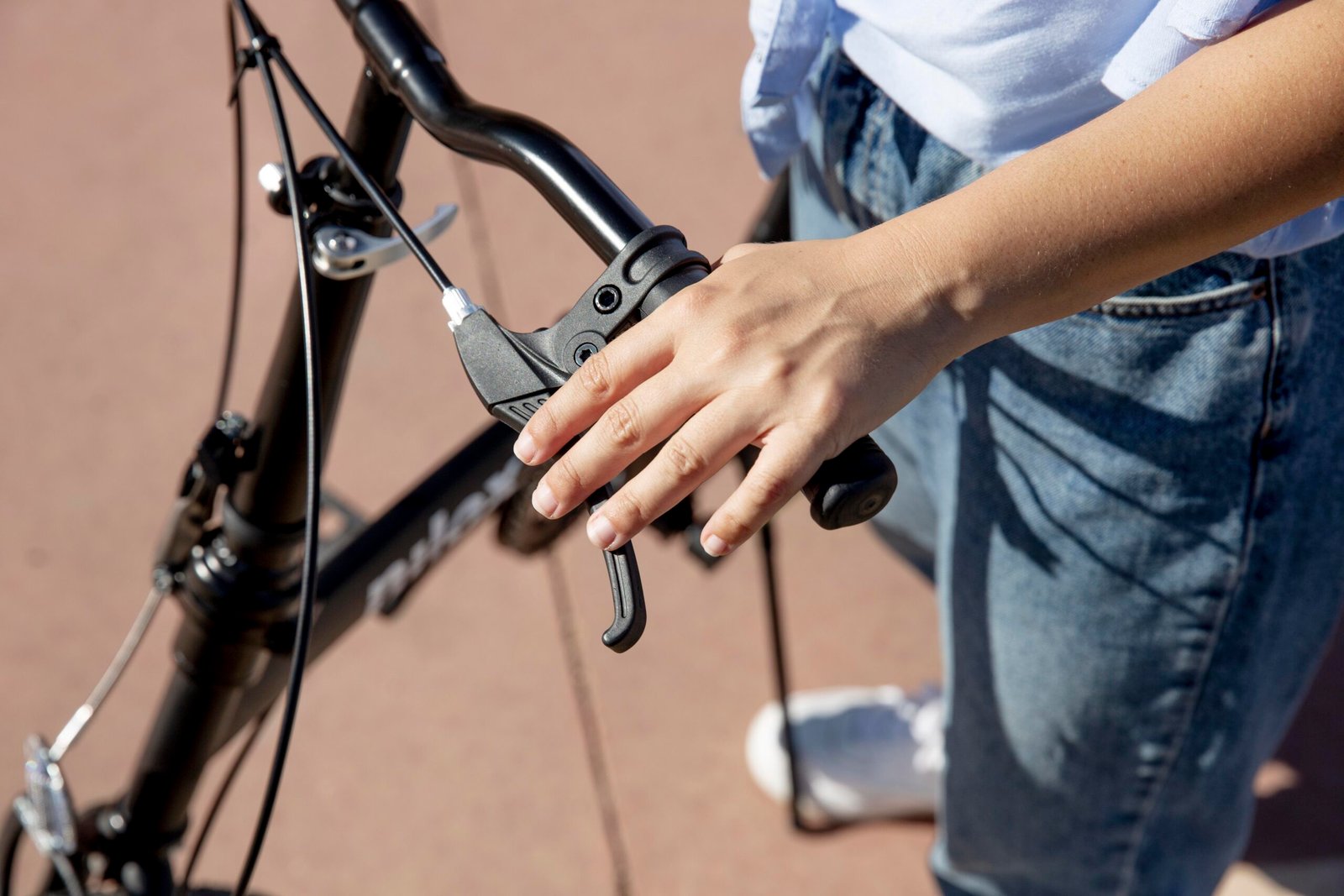
Have you ever looked at a bicycle with lots of gears and wondered what all those numbers mean? Many new riders feel confused when they see two gear shifters on their handlebars. However, learning how your bike gears work is actually as simple as riding a wave!
Indeed, gears are your bicycle’s secret superpower. Because they make pedaling feel lighter on steep hills, you will never have to push your heavy bike up a slope again. Furthermore, they help you zoom faster on flat roads without tiring your legs. In this easy guide from HikenCyc, we will explain everything step by step so that you can ride like a champion.
What Are Bicycle Gears and Why Do You Need Them?
First, let us picture gears like the settings on an electric fan. When you want a gentle breeze, you pick a low speed. When you want strong wind, you switch to a high speed. Similarly, bicycle gears change how hard your legs must push to turn the wheels.
Specifically, your bike gears help you keep a steady pedaling rhythm. Cyclists call this nice rhythm cadence. If you spin your pedals at a smooth pace, your leg muscles stay fresh for a very long time. Consequently, you can join long group rides across the city and scenic hills without running out of breath!
Meet the Main Parts of Your Bike Gears
Before you start shifting, it helps to know the main parts of your bicycle gear system:
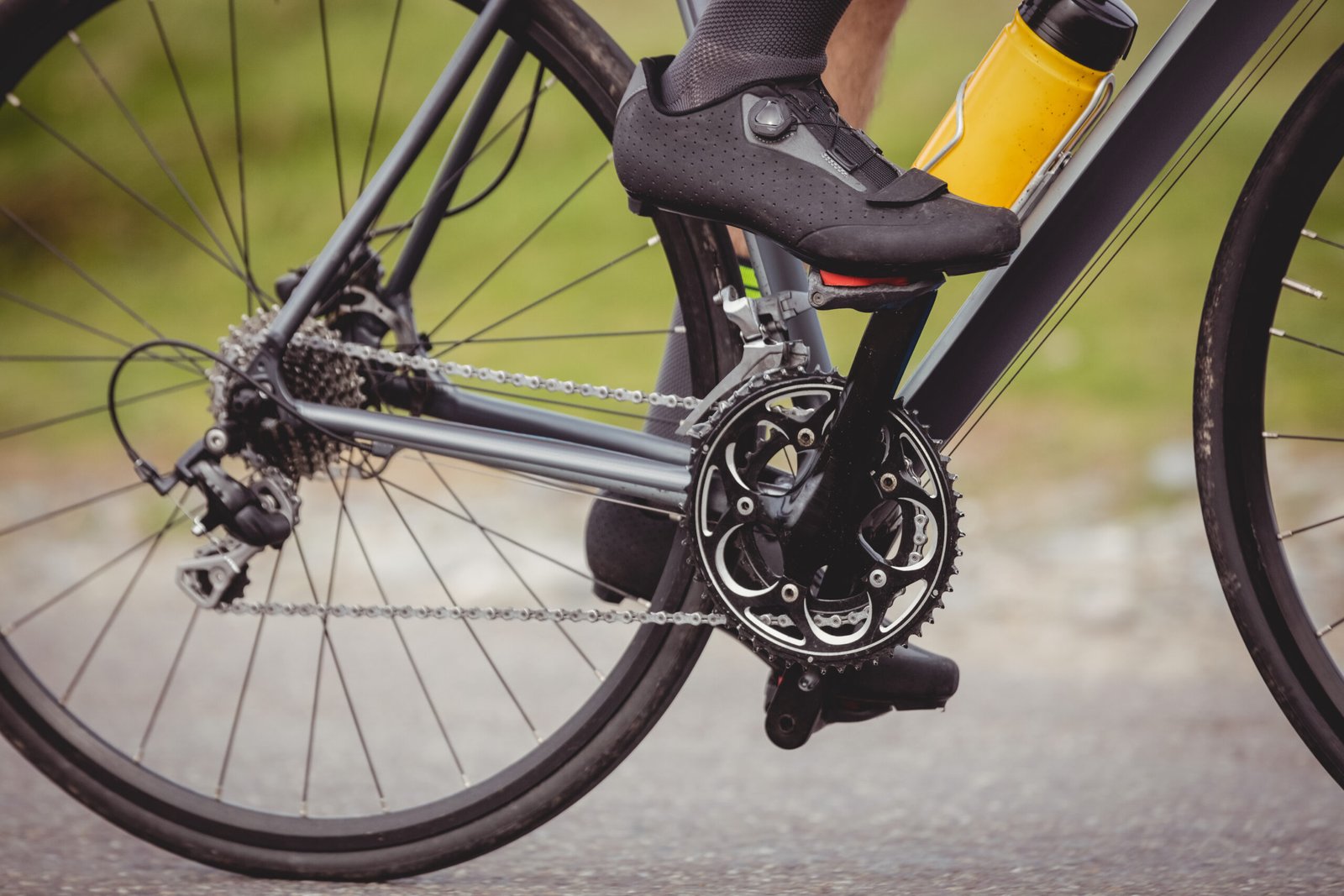
1. The Front Chainrings: These are the large metal rings with teeth located right next to your pedals. Most bikes have one, two, or three front rings.
2. The Rear Cassette: This is the stack of different sized sprockets attached to the center of your back wheel. Usually, it has anywhere between 7 and 12 rings.
3. The Chain: A strong metal chain connects the front rings to the rear sprockets. As you pedal forward, the chain pulls the back wheel.
4. The Derailleurs: These are clever small metal guides that push your chain from one gear ring to another whenever you press a shifter button.
5. The Handlebar Shifters: You press or twist these levers with your thumbs and fingers to change gears while riding.
💡 Quick Rule of Thumb: Big gears in the back make climbing hills super easy. Small gears in the back make you go super fast!
Left Shifter vs. Right Shifter: The Easy Formula
Most multi-speed bicycles feature two shifters on the handlebars. At first glance, this might look tricky. Thankfully, you can master both shifters with this simple rule:
1. The Left Hand Controls Big Changes (Front Rings)
Your left shifter moves the chain across the front chainrings. Because these rings have huge differences in size, clicking the left shifter makes a big difference in pedaling effort. For example, shifting to the smallest front ring gives you instant climbing power for steep hills.
2. The Right Hand Controls Small Adjustments (Rear Cassette)
Meanwhile, your right shifter moves the chain across the rear cassette. Since the rear rings change in size by small steps, using your right hand lets you fine-tune your speed. Therefore, you will use your right shifter much more often during an everyday ride.
Which Gear Should You Choose in Different Situations?
To help you choose the right gear every single time, here is an easy breakdown for everyday riding scenarios:
Riding Situation | Left Shifter (Front) | Right Shifter (Rear) | Pedaling Feeling |
|---|---|---|---|
Climbing Steep Hills
| Small Ring (Gear 1) | Largest Rings (Gears 1 - 3) | Very light and effortless to spin |
Flat Roads & Parks | Middle Ring (Gear 2) | Middle Rings (Gears 4 - 6) | Smooth, comfortable cruising pace |
Going Fast Downhill | Large Ring (Gear 3) | Smallest Rings (Gears 7 - 9)
| Firm pedal resistance for high speeds |
3 Golden Rules for Smooth and Quiet Gear Shifts
Have you ever heard a loud crunching noise when changing gears? Such noises happen when the chain struggles to jump across the sprockets. Fortunately, you can avoid this completely by following three simple golden rules:
1. Always Keep Pedaling Gently While Shifting: Derailleurs need forward movement to move the chain. However, you should ease off your pedal pressure for one second while clicking the lever so the chain slips on smoothly.
2. Shift Gears Before You Hit the Hill: If you wait until you are halfway up a steep hill, your legs will be pushing too hard. Instead, click into an easier gear about ten meters before the climb begins.
3. Avoid ‘Cross-Chaining’: Cross-chaining happens when you choose the biggest front ring and the biggest rear ring at the same time. Because this pulls your chain at a harsh diagonal angle, it wears out your parts quickly. Always keep your chain running in a straight line.
Frequently Asked Questions (FAQ)
Q1: Why does my bike chain slip when I pedal hard?
Q2: Can I change gears while standing completely still?
Q3: How many gears does a beginner really need?
Practice Your New Skills with HikenCyc!
Ultimately, reading about bike gears is helpful, but nothing beats real-world practice on the road. The best way to get confident is to pedal on scenic roads with friendly guides who support you every mile.
Here at HikenCyc, we organize regular, beginner-friendly cycling rides across Islamabad’s green trails, including morning rides to Japanese Park and evening cruises to Dera Dari. Whether you ride your own bike or choose a rental, our welcoming community is ready to pedal alongside you. Check out our upcoming events page on hikencyc.com and join our next outdoor adventure!